PDF to PowerPoint, with slides you can edit
Sliduno AI turns a PDF into a new PowerPoint presentation. It reads the PDF, picks what belongs on the slides, and writes a .pptx with real text, native tables and native charts. It does not copy each PDF page onto a slide, so a 40-page report becomes a short deck.
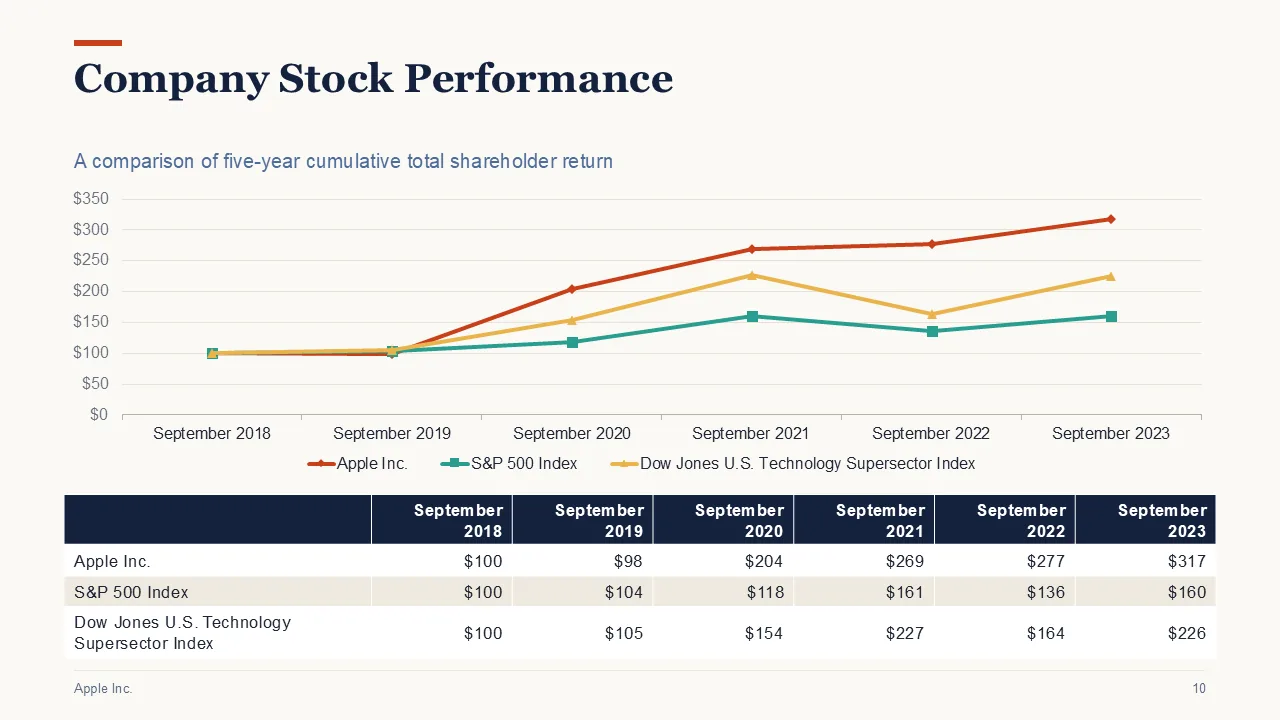
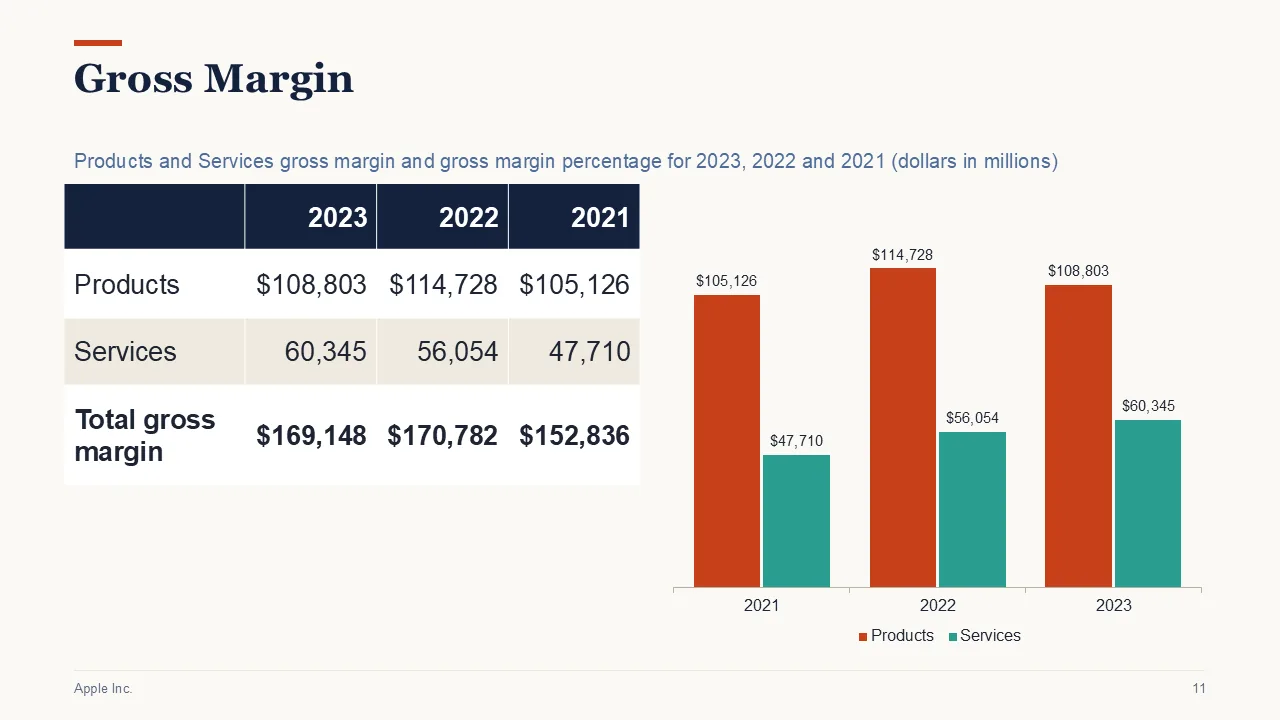
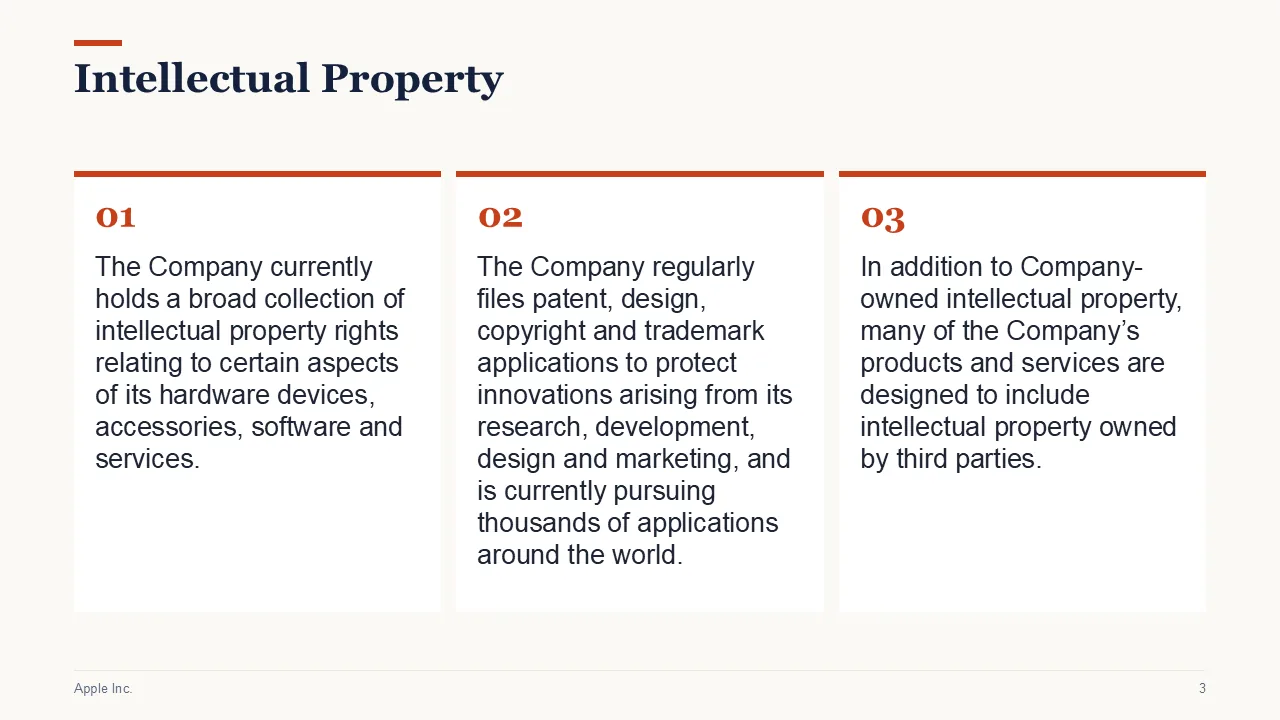
A converter copies pages. This builds a deck.
A PDF converter gives you one slide for each page, laid out like the page. That is the right tool when the slides must match the PDF exactly.
Sliduno AI is for the other case: you have a long document and need a presentation about it. You say who it is for and how long it should be. Sections become slides, tables stay tables, and figures that can be drawn become charts.
What stays editable in PowerPoint
- Titles and points are real text you can retype.
- Tables are native PowerPoint tables, with figures copied as printed.
- Charts are native, with their numbers in an embedded workbook, so Edit Data works.
- Speaker notes name the source pages each slide used.
How figures are kept right
Table figures are copied from the PDF, never written by a model. In AI mode, a number that cannot be found in your document is removed. We publish how this was tested on 14 public PDFs on the accuracy page.
What it reads
PDF and Word (.docx), up to 15 MB. PDFs are read up to 40 pages, and scanned pages are read with text recognition.
A chart that is only a picture stays a picture, and its numbers are not read. Check names, dates and numbers from scanned pages against the original.
How it works
- Upload the PDF. Add a PDF of up to 15 MB. Up to 40 pages are read.
- Say what you need. Type or dictate who the deck is for, how long it should be, and what to leave out.
- Edit and download. Change any slide, or ask for changes in plain words. Then download the .pptx.
Questions
Can I convert a PDF to an editable PowerPoint?
Yes. Sliduno AI writes real text, native tables and native charts into a standard .pptx file, so you can change them in PowerPoint.
Will my slides look exactly like the PDF?
No. It builds a new deck from the content. If you need each PDF page copied as a slide, use a page-by-page converter such as Adobe Acrobat.
Does it work with scanned PDFs?
Yes, for English text, using text recognition. The slides that use it say so. Check names, dates and numbers against the original.
Is it free?
The version without AI is free to try. During early access, AI generations are limited per account, and every account has a limit on results in any 30 days. Nothing is on sale yet.
Related
Last updated 3 November 2026.